Private chats
Direct messaging, reactions, replies, profile photos, read controls, disappearing message settings and media sharing.
 OryqO
OryqO
Private messaging, groups and best-effort browser calls
A privacy focused messaging app for direct chats and group coordination. Optional automatic translation and OryqO AI support are available when configured, with chat context used only by permission for that request.
Designed for daily communication
OryqO Chat gives individuals, teams and communities a clear place to talk, share updates and manage groups. Configured accounts can also use translation and AI support with consent.







App experience
OryqO keeps onboarding simple. Users create a profile, choose contact access and continue into chats and groups. Translation and OryqO AI appear when the service is configured.
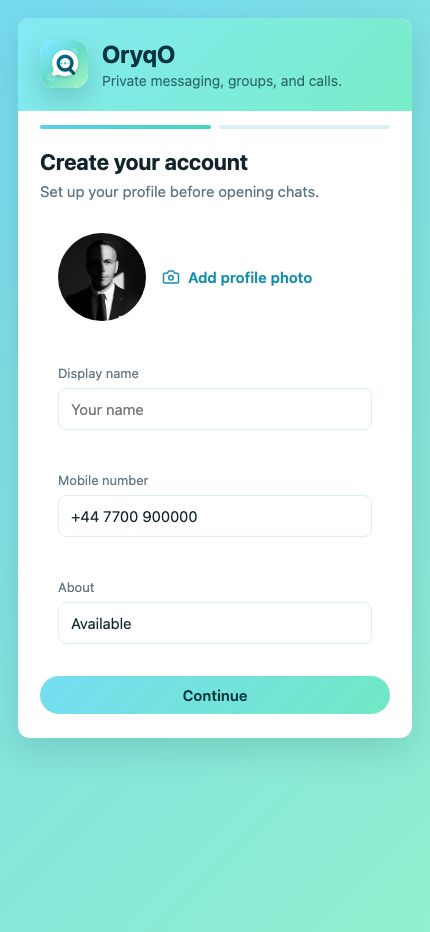
Profile photo, display name, email sign in, optional mobile number and about text.
Users can allow contacts or continue by adding people manually.
Chats, groups, favourites, unread messages, calls and updates.
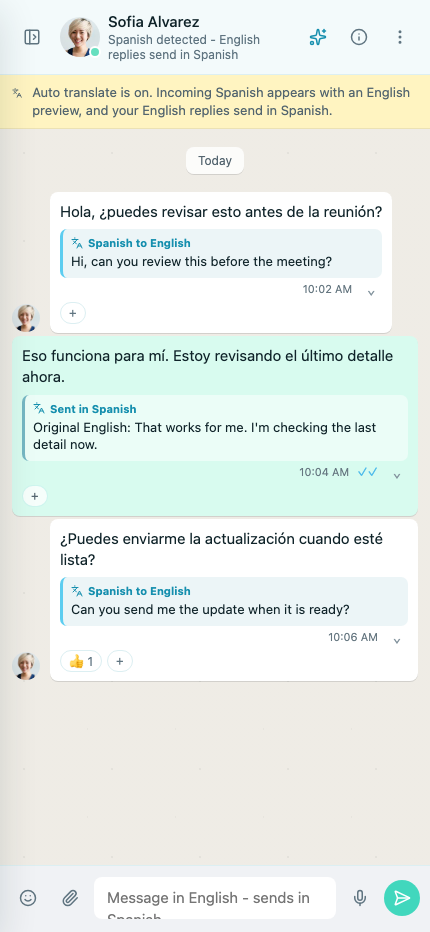
Incoming Spanish shows English previews. English replies can send in Spanish.
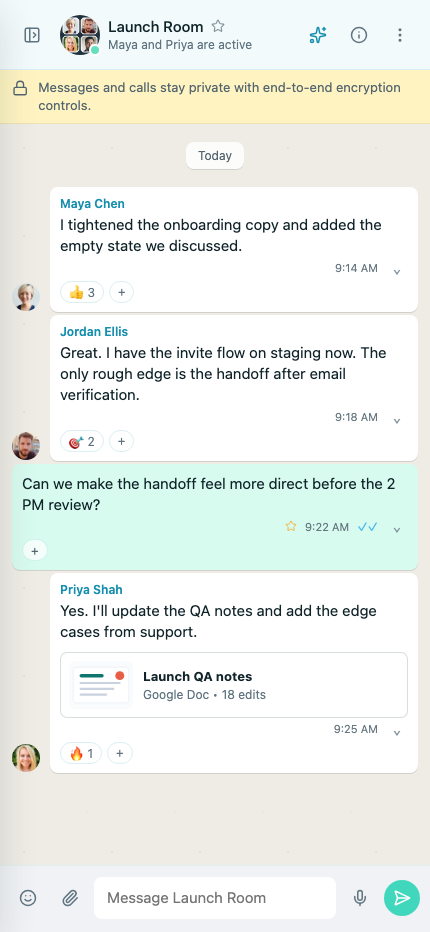
Launch rooms, media, reactions, replies and admin member controls.
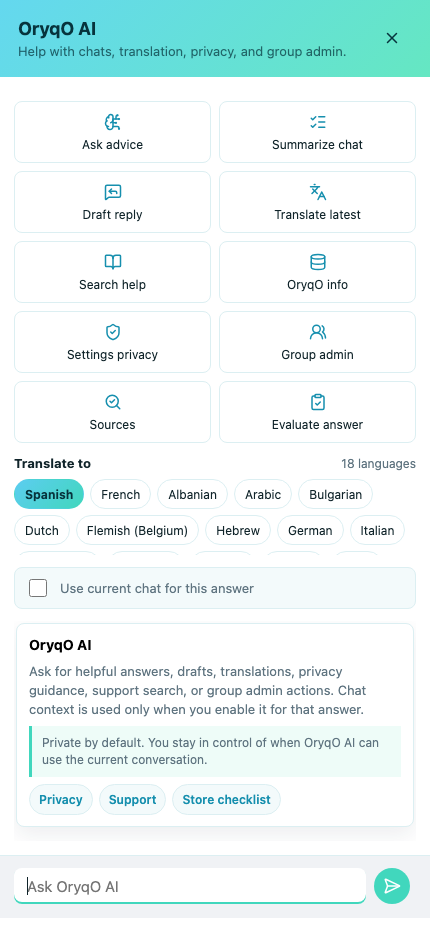
Draft replies, summarize chats, translate messages, search help and explain settings.
Built for everyday communication
Direct messaging, reactions, replies, profile photos, read controls, disappearing message settings and media sharing.
Create rooms, add or remove members, manage launch rooms and keep group controls reserved for creators and admins.
Messages in another language can show an English preview. Replies written in English can be sent back in the original language.
Users can request drafts, summaries, help articles, privacy explanations, settings guidance and answers based on approved context.
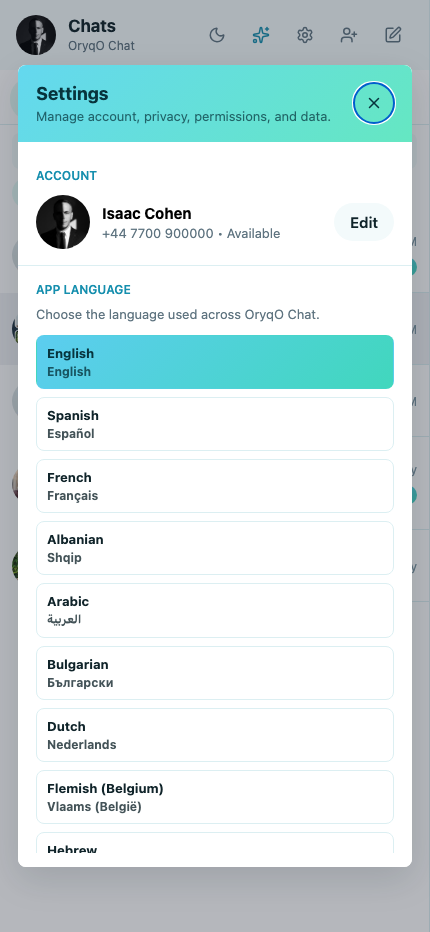
People can manage profile photos, account details and contacts. Manual contact adding remains available without phone contact access.
Privacy policy, terms, support, account deletion pages, screenshots, bundle naming and iOS wrapper materials are organized for submission.
App preview
OryqO Web
Sign in with a password, manage your profile, start direct or group chats, send private media and try best-effort browser calls. Reliable calling requires a TURN relay. Translation and OryqO AI are shown only when the backend reports that AI is configured.
Choose a conversation to send messages.